
Auto-assigned presets
ArcNC automatically analyses the joint to assign the relevant Process Preset(s) to each weld.
Based on the joint geometry, the welding position and the material configuration, the Preset is automatically assigned.

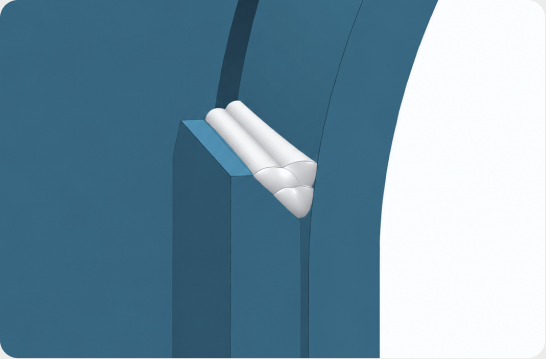
Joint specification & welding position
The detailed joint specification defines in which situations each Preset can be used:
- Joint type (T, butt, lap, corner)
- Thickness
- Edge preparation (square, J, bevel)
- Part orientation (or welding position)
ArcNC automatically analyses each weld seam and finds the optimal WPS match.
Welding process
A Process Preset also specifies the base material, the filler material and the shielding gas, as well as the welding process and parameters for single or multi-pass welds.
Does this weld look familiar?
Presets can also be learned and assigned based on similar parts that have been programmed before.