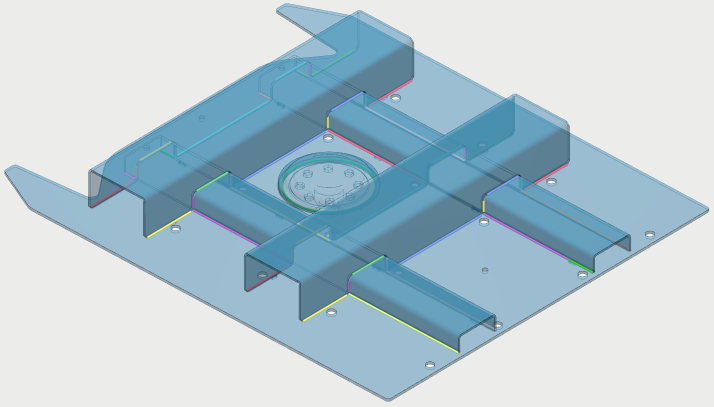
AUTONOMOUS ROBOT PROGRAMMING

Don’t program, just weld

Optimal robot motions

Optimal robot motions are automatically calculated for welds, sense motions and transitions, taking into account preferred welding positions, robot singularities, joint limits and cable management.

Weld sequence can be optimised to minimise cycle time, or part deformations.
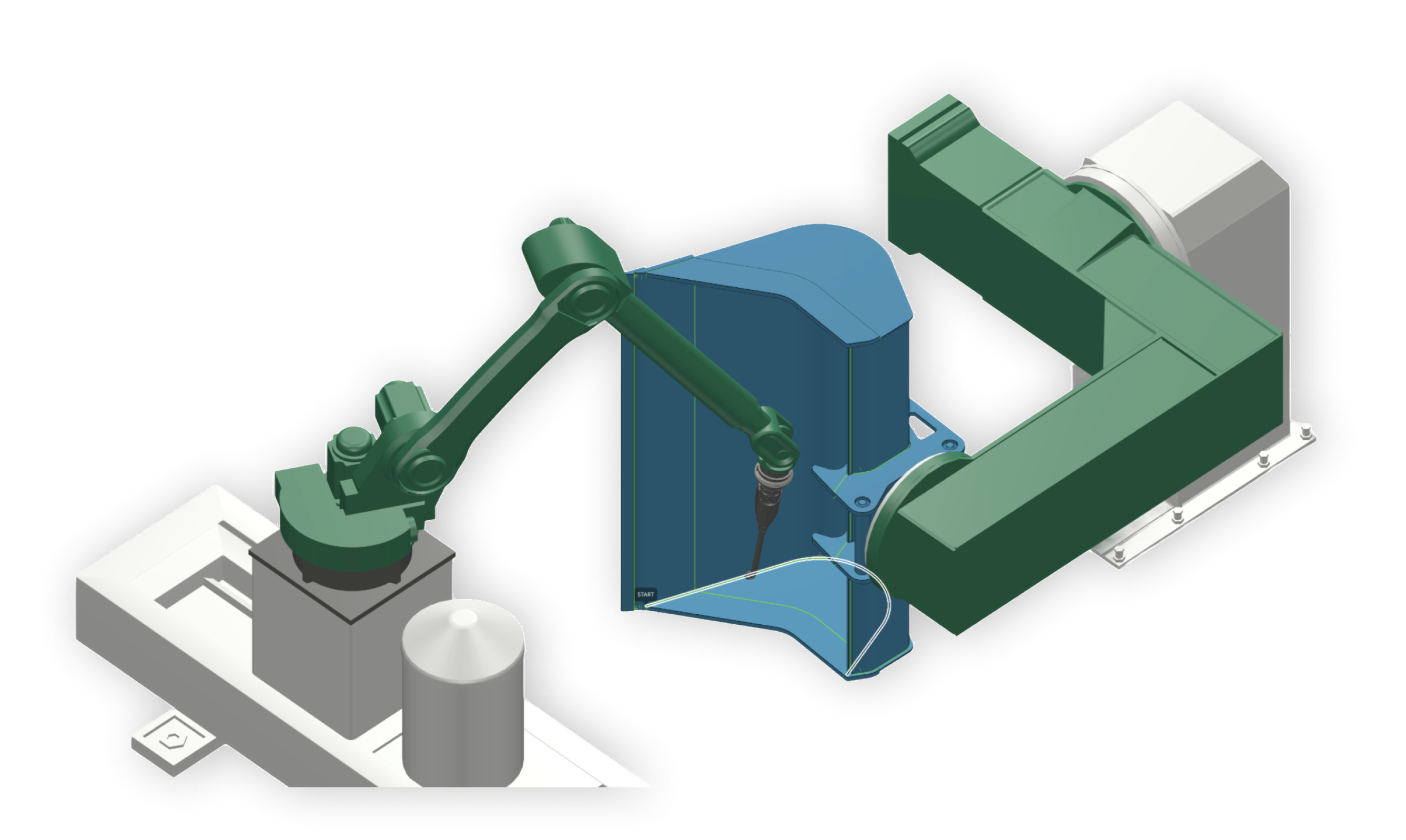
Robot, gantry and blue workpiece used for automatic motion planning

Tactile, laser, or through-arc sensing

The real world never perfectly matches the virtual model: deviations in robot accuracy, cell calibration, part assembly, part positioning, ... To compensate for any of these deviations, ArcNC uses wire, laser, or through-arc sensing.

Programming these sensors manually is complicated, error-prone and time-consuming, but ArcNC’s automates the entire process.

Skip sense motions for high volume production: sense offsets can be reused after the first part of a batch to avoid time-consuming sense motions for each part.

No manual touch-up

A common misconception is that offline generated programs always require manual touch-up on the robot to ensure sufficient accuracy.

As ArcNC automatically compensates for any deviations, programs can be run directly on the robot without manual touch-up.

Learns from experience

ArcNC automatically recognises similarities between your references parts and new parts.

Weld specification, weld sequence, and robot motions are all copied automatically.
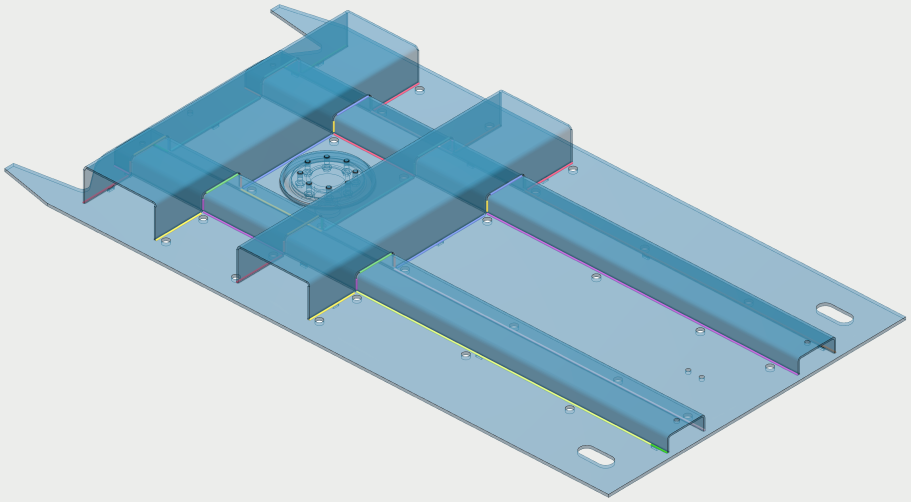
Previously programmed blue reference part
Reference part
Similar new blue part
New part

Supported hardware

ArcNC supports most relevant industrial welding robot configurations.

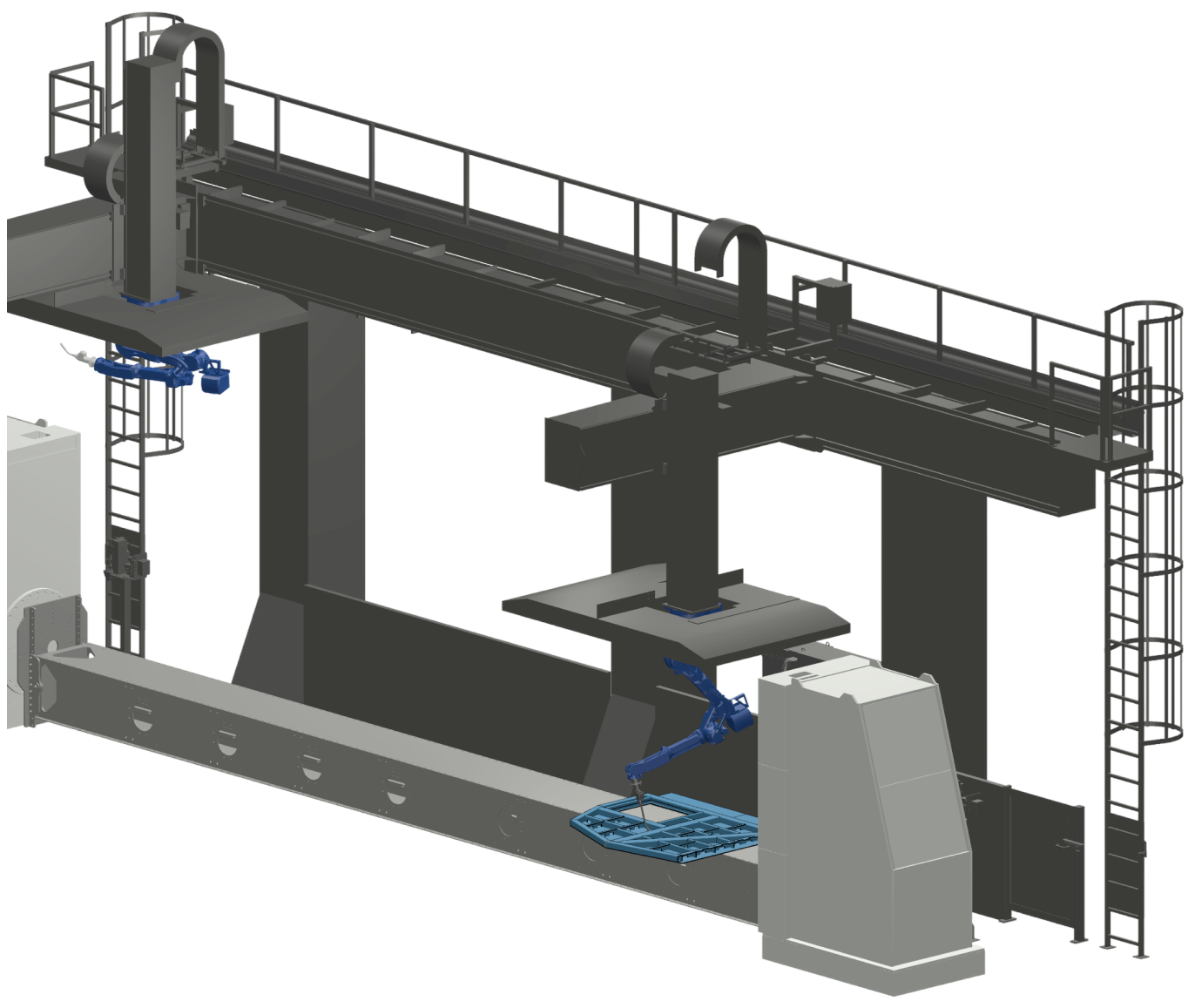
Industrial welding cell with two robots on an overhead gantry

Welding process

  • MIG (GMAW) or TIG (GTAW)

Cell layout

  • One or multiple robots
  • Stationary robot, or 1-2-3-axis gantries
  • Stationary part, or 1-2-axis positioners

Sensors

  • Tactile sensing
  • Through-arc sensing
  • Laser seam finding
  • Laser seam tracking
  • Adaptive welding
ABBCLOOSFANUCKUKAPanasonicYaskawa

Feature videos

Choose a feature, then play the video.

Sense motions

Interactive product tour

Click through an ArcNC programming example.

Offline robot programming has never been easier. With ArcNC, you simply upload your CAD files (no programming knowledge needed) and let the system handle weld path extraction and motion planning.

Compare programming methods
ArcNC (Automated offline Programming)Other Methods (OLP / Teach Pendant)
Training Time1–2 hoursMultiple days
Skills NeededWeldingWelding, robotics & programming
Weld DefinitionAutomatedManual
Robot MotionsAutomatedManual
Sense MotionsAutomatedManual
Batch Size Feasibility1–5 units> 100 units

Programming questions

Can I run a program directly on the robot?

Yes! ArcNC programs are collision free, and automatically uses different sensing methods to compensate for deviations between the virtual and physical world.

Can I still change the program while it’s executing on the robot?

Yes! The programs are generated in the same programming language you would use to program the robot manually.

Do I need to draw or manually define my welds in 3D?

No, ArcNC automatically detects potential weld seams.

Schedule a demo

Book a hands-on demo with your own part.

Book a live demo