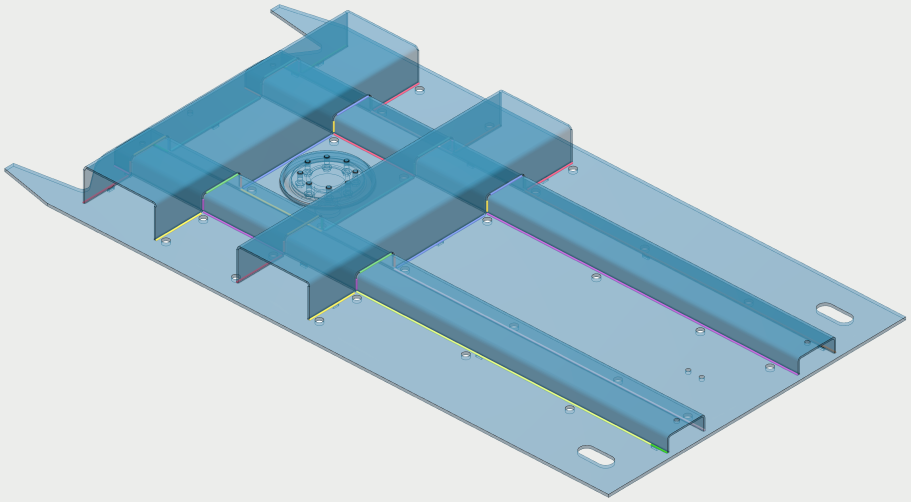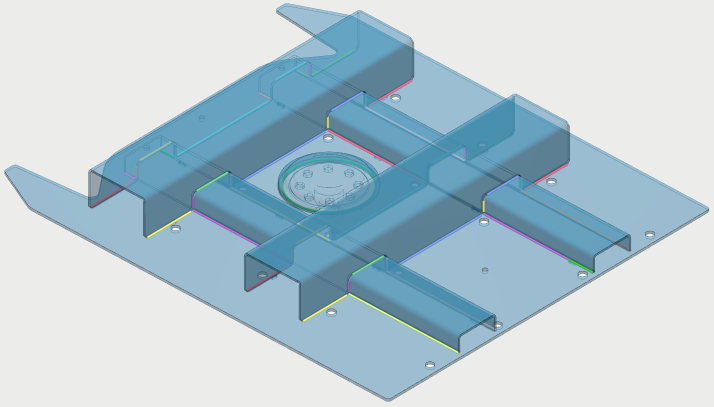
Auto-extracted welds
Potential weld seams are automatically extracted from your 3D CAD file.
No need to manually specify weld lines.
ArcNC analyses your 3D CAD file and identifies all areas where two bodies (or different parts of the same body) meet with or without a gap in between.
The resulting straight, circular, or freeform weld seams can then be split, merged or moved to define your desired weld seams.
No CAD? The ArcNC Autonomy Package uses scanners to model the part geometry and welds automatically, without detailed CAD files.
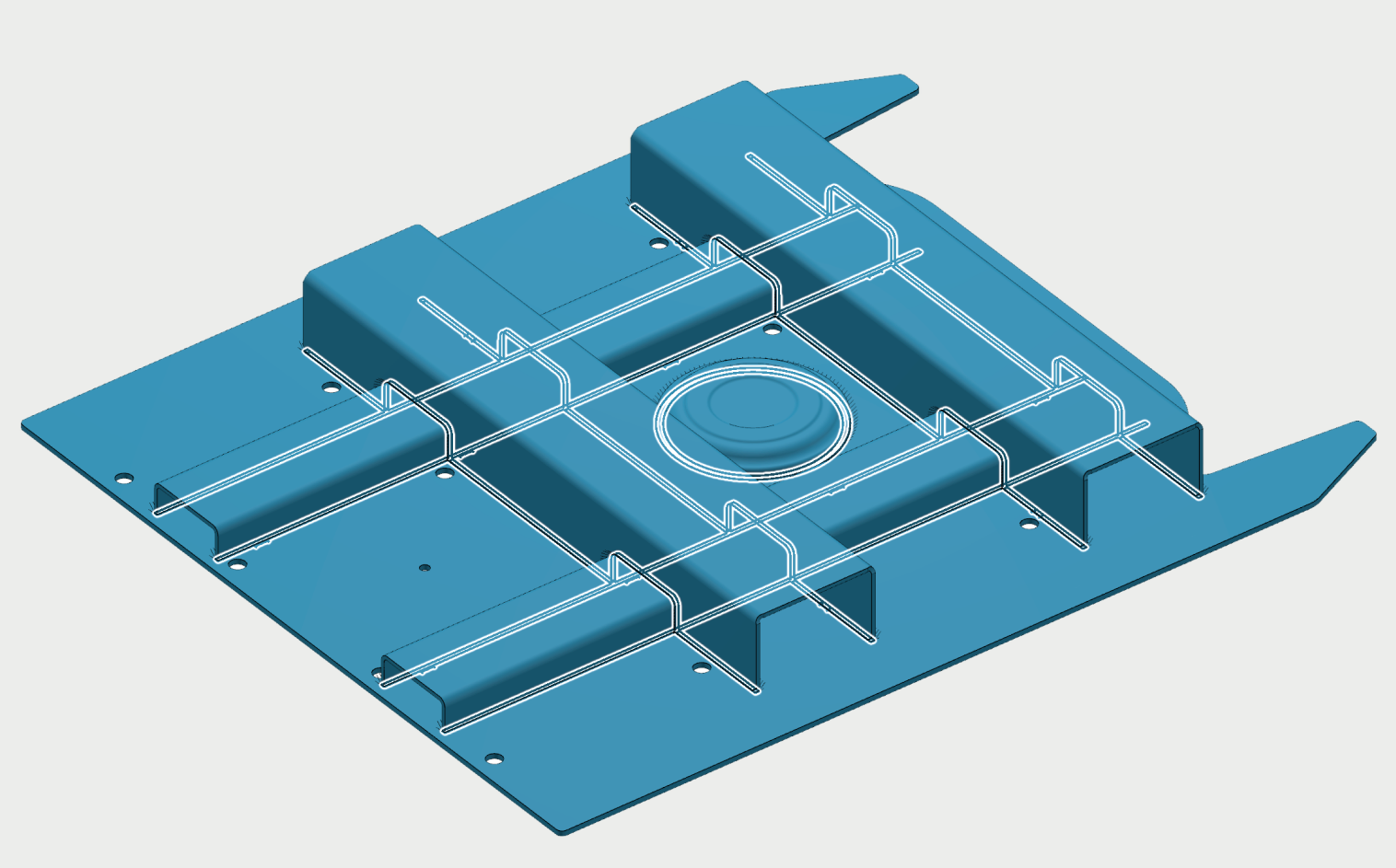
Import weld drawings
No need to copy weld drawing information from a PDF to ArcNC
The 2D weld drawing views are mapped onto the 3D model. Weld symbols, weld length, leg length and penetration are assigned to the corresponding 3D seams.
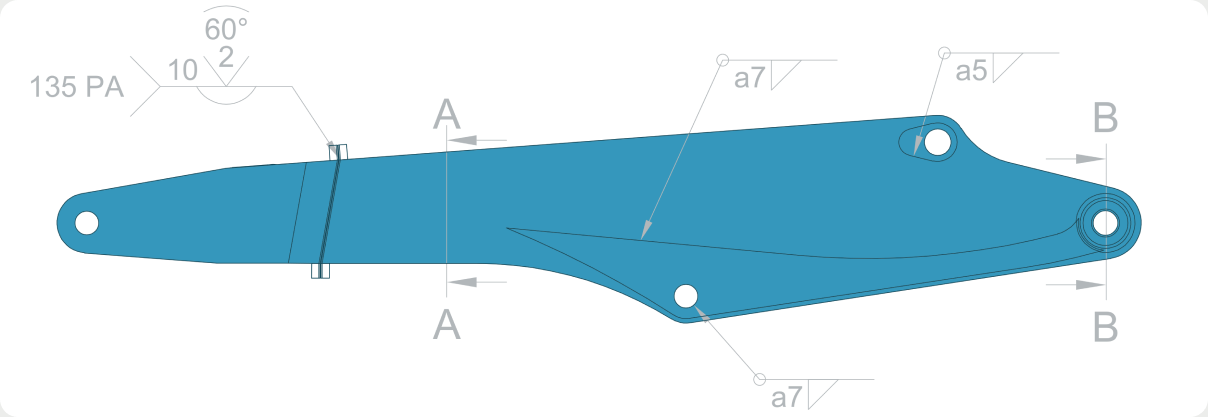
Learns from experience
Have you welded a similar part before?
ArcNC automatically recognises similar parts, and uses them as a reference to program new parts.
No need to make the same changes multiple times.